
How to Redeem Catch A Pet And Ride it Codes
Shop path, settings fallback, and the errors that waste a good string.
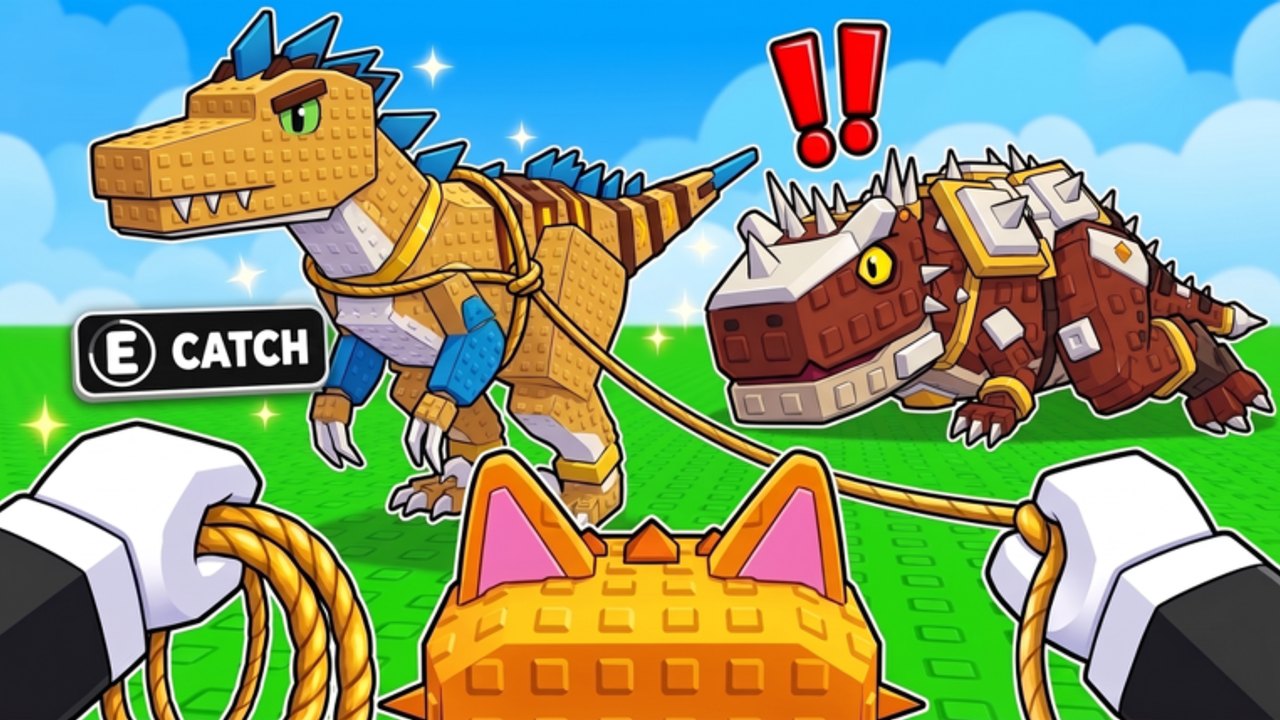
Redeeming a Catch A Pet And Ride it code takes less than a minute once you know the Shop hides the box at the bottom. New players tap every HUD icon except that one, then assume WELCOME is broken. This page is the click-by-click path that matches current screenshots, plus the fallback if your client moved the field, plus the four errors that look like dead codes but usually are not.
You need an active session in Catch A Pet And Ride it, not the Roblox website. Codes do not redeem from the experience page, the MeowLabs group wall, or this wiki. They redeem inside the running game on PC, mobile, console, or tablet — the same four platforms the description lists.
The Shop path (use this first)
- Join Catch A Pet And Ride it and wait until your avatar spawns at the base. Do not throw a lasso yet; a Guardian chase is a bad time to open menus.
- Look at the left side of the screen. Tap or click Shop. On phones the button is a bag / store icon; on PC it is labelled.
- The shop opens on lassos, chests, and boosts. Scroll to the bottom. The code field is not on the first pane.
- Find the box labelled Enter code here.
- Paste
WELCOMEorTURKEY2026exactly. Do not add a space at the end. - Press Redeem. A toast should credit Cash, Turkey Coins, or a potion.
If Cash jumped by 5,000, WELCOME worked. Spend it on Lasso Power training, not on a panic fuse skip. If Turkey Coins landed, read the Turkey update before you dump them into a pack you do not understand.
Settings fallback
A smaller set of guides tell you to open a gear icon in the top-right and look for a codes field there. If Shop has no Enter code here box after a full scroll, open settings next. MeowLabs has shuffled HUD chrome on other titles; this one still puts the box in Shop on current builds, but a mid-event patch can move it overnight. Try Shop, then settings, then rejoin the server. Do not sit in a half-loaded session — the shop UI sometimes fails to spawn the last row.
Console players use the same Shop button with the controller cursor. Mobile players should rotate to landscape if the shop clips the bottom of the screen; the code row can sit under the Roblox chat bar.
Errors and what they actually mean
Invalid / doesn’t exist. You typed welcome instead of WELCOME, included a Discord emoji, or the code expired. Copy from the codes list instead of memory.
Already redeemed. That Roblox account already claimed the string. Codes are one grant per user, not per server. Alts are a separate account and a separate grant — and a separate ban risk if you script them.
Expired. Seasonal strings die when the event shop closes. TURKEY2026 is a Thanksgiving name; do not expect it in January. WELCOME has lasted because it is the onboarding code on the Roblox page, but MeowLabs can still pull it.
Nothing happens. Close Shop, reopen it, and paste again. If the HUD is covering the toast, look at your Cash number. A silent success still adds 5,000. If Cash did not move, rejoin and try once more, then assume the code is dead.
After you redeem
WELCOME Cash is a first-hour tool. Walk this order:
- Deliver one pet so offline earnings start. The beginner guide covers the lasso-and-run loop.
- Ride that pet. Speed is how you survive the Guardian.
- Dump remaining Cash into training taps, then the cheapest cash lasso on the lasso tier list.
- Like the game and join MeowLabs for the separate group gift. That gift is not a code and will not show in the Redeem box.
Do not buy the 2,999 Robux Mecha pack with code money. Codes do not print Robux. The pack math is on the Shop hub if you are deciding between chests and the 9 Robux Train Boost.
Console, mobile, and tablet notes
Catch A Pet And Ride it advertises Desktop, Console, Mobile, and Tablet. The redeem box is the same widget on all four. The failure mode that changes is input: on mobile, the Roblox keyboard can insert a trailing space; on console, the virtual keyboard can capitalise wrong. Paste from the Roblox app clipboard if you can. If you cannot paste, type slowly and watch the caps.
Servers hold six players. You do not need a private server to redeem. You do need the experience to finish loading — redeeming during the spawn fade is a common reason the button does nothing.
Related pages on this wiki
Keep the codes hub bookmarked for the live table. Use group rewards for the like-and-join gift. When a new zone or admin-abuse window lands, come back here first; MeowLabs likes to hide a string in the description rewrite that ships with the patch.
Frequently Asked Questions
Quick answers to the most common questions.
Where is the code box in Catch A Pet And Ride it?
Open Shop on the left of the HUD and scroll to the bottom. The field is labelled Enter code here. Settings is the fallback if Shop has no box.
Can I redeem codes on mobile?
Yes. The game supports mobile and tablet. Watch for a trailing space from the on-screen keyboard when you paste WELCOME.
Do I redeem codes on the Roblox website?
No. Codes only work inside a live Catch A Pet And Ride it session. The experience page just lists WELCOME as a hint.
What should I buy after WELCOME?
Train Lasso Power and grab an early lasso upgrade. Read the lasso tier list before any Robux chest pack.